FEATURED ARTICLE
Clear the Clutter, Preserve the Authority
Refresh your records without confusing a digital copy, an original, and an official certified record.
March 2026 · 7 MIN READ
MONTHLY NEWSLETTERS
March 2026 · 7 MIN READ
Practical guidance, industry updates, and document authentication insights — every month.
FEATURED ARTICLE
Refresh your records without confusing a digital copy, an original, and an official certified record.
March 2026 · 7 MIN READ
Practical Guidance
An organized document file starts with a distinction between an original, an official certified copy, and an ordinary copy. Those terms describe different things. A scan is useful for reference, but it is no…
March 2026 · 2 MIN READ
Document Preparation
Sensitive documents deserve a deliberate digital workflow. Begin by deciding what needs to be collected and who needs access. Passport scans, identity records, legal documents, and academic records should no…
March 2026 · 2 MIN READ
Your Next Steps
Inventory the records before you discard anything. Mark uncertain items for professional review. Separate current executed packets from drafts, update clear file names, and check shared access. Keep an index…
March 2026 · 1 MIN READ
Full issue · March 2026
Refresh your records without confusing a digital copy, an original, and an official certified record.
Spring cleaning is a useful opportunity to improve document organization, but important records require more care than ordinary clutter. Before discarding a paper or deleting a file, determine whether it is an original, an executed document, a working copy, or a record subject to a retention requirement. If you are uncertain, ask the responsible adviser or institution.
Begin with a location inventory. List the family, academic, business, and planning records you rely on, then identify where the authoritative copies are stored. You do not need to place every original in one location, but you should be able to find the right one without searching through several unrelated folders.
Imagine discovering three files labeled final, each with a different date. Open them carefully and identify whether one is a draft and another is a signed packet. Ask the preparer if you cannot determine which is current. Renaming a file clearly is useful; altering the document itself to make it look current is not.
Digital housekeeping is just as important. Review shared folders, old download copies, and access granted during completed transactions. Remove unnecessary access and handle duplicate sensitive copies securely. Keep a protected backup of important records and verify that it can actually be retrieved.
This issue helps you create a filing system that supports future requests. The goal is fewer uncertainties about what you own, which copy matters, and what needs to be replaced. Careful organization can make the next notary or authentication project easier without risking the loss of an important original during a well-intentioned cleanup.
An organized document file starts with a distinction between an original, an official certified copy, and an ordinary copy. Those terms describe different things. A scan is useful for reference, but it is not automatically a replacement for an original or a certified record. Before ordering or mailing anything, ask the receiving organization which version it accepts and whether it requires a recently issued record.
For records held by a government office, court, school, or other institution, contact the appropriate custodian directly. Explain the purpose of the request without sending more personal information than necessary. Ask about the available record format, the official signature or certification, delivery options, and the expected processing time. An inexpensive copy that lacks the required certification can cost more overall if it must be replaced.
Build an inventory that records the document's owner, issuing office, issue date, number of pages, and location of the original. Use clear file names for digital copies, but avoid putting unnecessary identity numbers into names visible to other people. A file labeled with a document type and date is often easier to manage than several files named scan or final. Keep draft documents separate from executed documents so the wrong version is not accidentally submitted.
Check the details before an important deadline. Look at names, dates, spelling, and attachments. If a record differs from current identification, ask the receiving institution what supporting evidence it needs. Do not alter an official record yourself. Corrections and replacement copies should be handled through the issuing authority, while questions about legal name history may require professional advice.
Maintain a small reference folder for the transaction. It can contain the written requirements, order receipt, contact details, and a copy of the record you requested. Keep sensitive contents protected and restrict access to people who need them. If you share a copy with a provider, identify its purpose so everyone understands whether it is for review, preparation, or final submission.
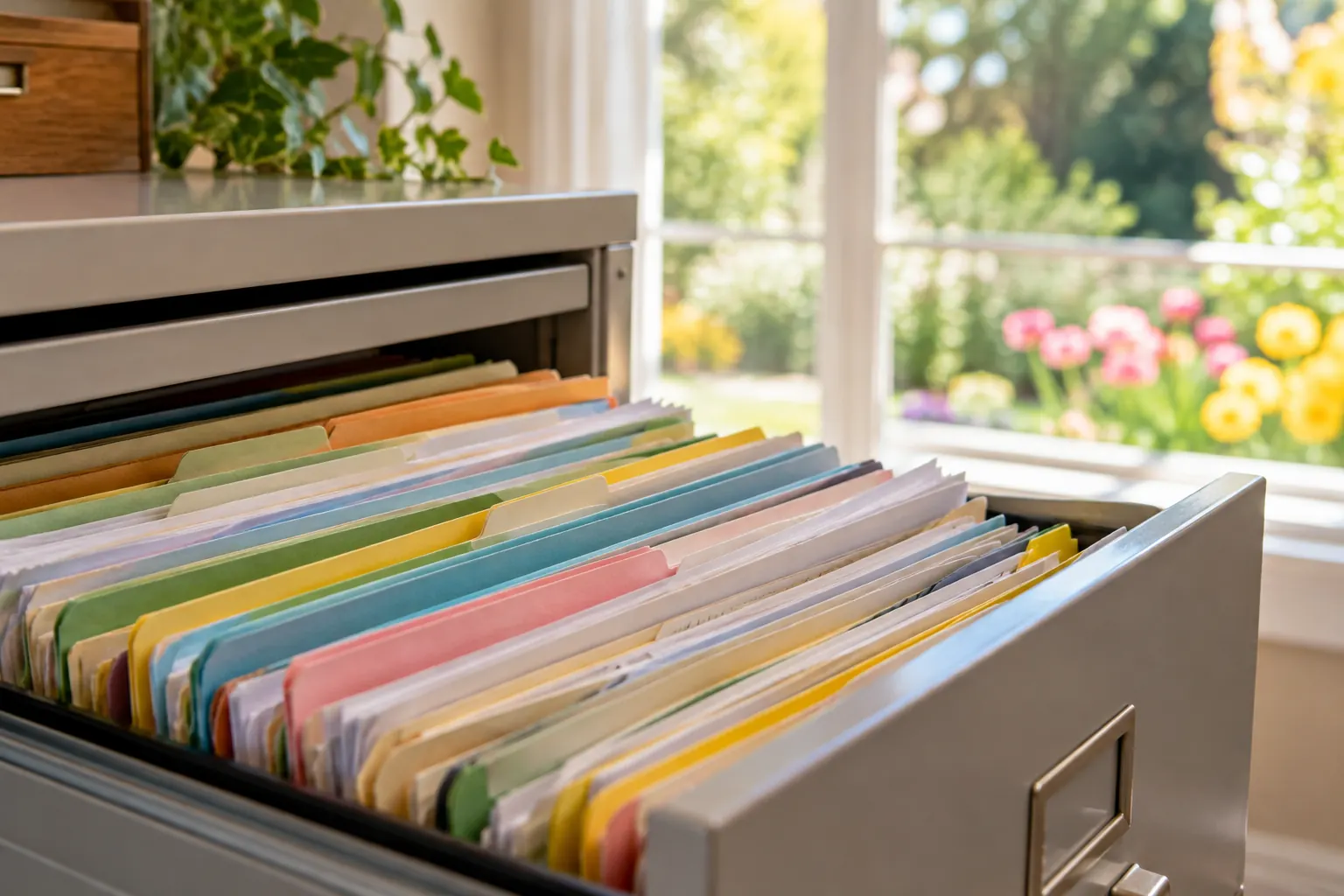
Paper records benefit from a predictable storage system. Group them by purpose and use folders that protect pages from damage. Avoid writing on original certificates or removing attached seals. Make a note when an original leaves your possession and when it returns. A record of custody is especially helpful when several family members are coordinating a project.
Review the file after the transaction closes. Retain the completed packet and confirmation of receipt where appropriate. Remove unnecessary duplicate working copies through a secure process, while preserving anything needed for future use or required retention. Good organization is less about owning an elaborate filing system and more about knowing which document is authoritative, where it is, and what remains to be done.
Sensitive documents deserve a deliberate digital workflow. Begin by deciding what needs to be collected and who needs access. Passport scans, identity records, legal documents, and academic records should not be circulated broadly just because sharing a file is easy. Ask whether a full copy is needed for the task, which channel should be used, and how the recipient will protect it.
Protect the accounts that hold your records. Use a strong, unique password for each account and consider a reputable password manager to keep track of them. Enable multifactor authentication when available, particularly for email and document storage. Review recovery methods as well; an old telephone number or an inaccessible recovery email can create problems when you need the account urgently.
Unexpected requests require a pause. A familiar logo, display name, or urgent subject line does not by itself prove that a message is legitimate. If a message requests identity documents, payment, a password, or a verification code, contact the organization through a trusted method you already know. Avoid relying on contact details supplied solely within the suspicious message.
Use sharing features carefully. A link that can be opened by anyone who receives it may expose more than intended. Where the service supports it, restrict access to named recipients and review permissions before sending. Give access to the file needed for the transaction instead of an entire folder containing unrelated personal records. Remove access when the work is finished and continued sharing is unnecessary.
Maintain a clean working environment. Keep devices and applications updated, lock your screen when stepping away, and be cautious on shared computers. Check whether downloaded files remain in a downloads folder or whether a scanner has retained a copy. A completed transaction does not automatically remove those extra copies.
Back up important records using a protected method and confirm that you can recover them. A backup is useful only if it includes the correct files and can be accessed when the main device fails. Keep recovery information secure, and avoid storing the only backup beside the original device if one incident could affect both.
If you suspect that a document or account has been exposed, take practical steps promptly. Stop the sharing, secure the affected account through the official service, and contact the relevant institution when identity or financial information is involved. Preserve useful evidence of the incident. The appropriate response depends on what was exposed; a general checklist should not replace specific instructions from the responsible service.
Digital security is an ongoing habit. A short, regular review of access, stored copies, and account protection is more manageable than trying to rebuild a safe document system after a problem.
Inventory the records before you discard anything. Mark uncertain items for professional review. Separate current executed packets from drafts, update clear file names, and check shared access. Keep an index of storage locations and a protected backup, then schedule a regular review that is small enough to maintain.
For assistance with the document steps identified in this issue, review the services on our website and contact us through the appropriate request form. Tell us the document type, issuing jurisdiction, destination when relevant, and the receiving organization's instructions. This information helps us identify the preparation needed before an appointment or authentication request.
Premier Notary & Apostille Services, LLC serves clients by appointment only at 9378 Olive Blvd, Suite 308, Olivette, MO 63132. Business hours are Monday through Friday, 9:00 a.m. to 4:00 p.m. Central Time; weekends and holidays are closed. Visit notary services or apostille services to review the service that fits your document request.
Official reference resources: CISA security guidance. Confirm current instructions with the responsible authority for your specific transaction.
Kim Fields, Founder & CEO — Premier Notary & Apostille Services, LLC
Need a notary?
Appointments in Olivette and mobile service across the St. Louis area.